
How to Spot High Quality 3D Printing Before You Order
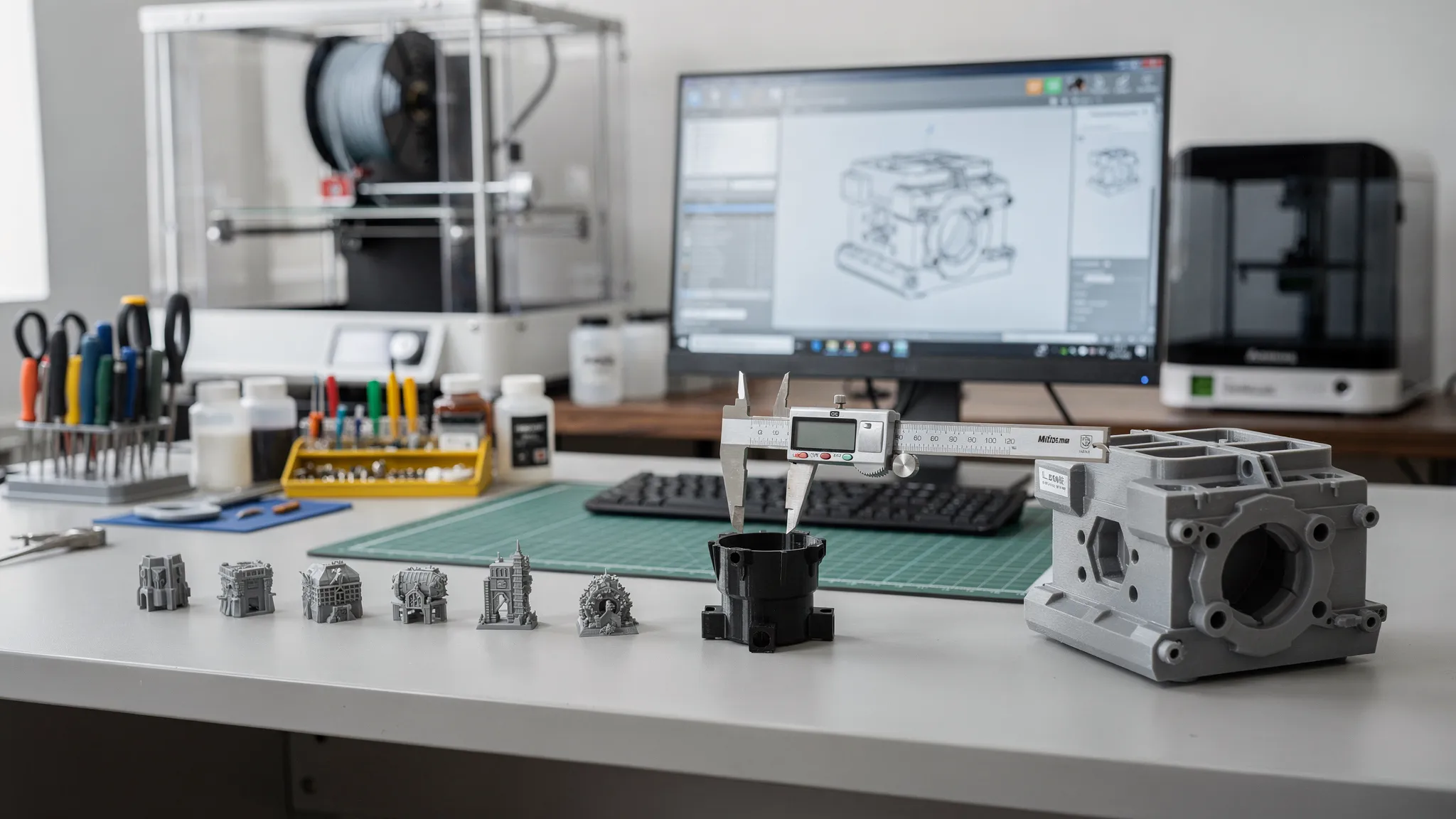
Before you click “order,” it is possible to tell a lot about whether a print shop can deliver the result you actually want. High quality 3D printing is not just about a smooth surface or a pretty product photo. It is the combination of the right file, the right material, smart print orientation, clean finishing, and clear communication before production starts.
That matters because two prints can look similar online but perform very differently in real life. A display model may need crisp detail and clean supports. A replacement part may need strength, heat resistance, and dimensional accuracy. A product prototype may need repeatability across several versions. The best print provider helps you define those requirements before the machine ever starts.
Use the guide below to evaluate quality signals before ordering, whether you are buying a ready-made designer print, requesting a custom part, or preparing a small run for your business.
High quality 3D printing starts with fit for purpose
A good 3D print is not automatically the shiniest print. It is the print that meets the job it was ordered to do.
For a miniature or collectible, quality might mean sharp details, clean edges, minimal visible support scars, and a finish that is ready to paint or display. For a bracket, jig, enclosure, or replacement component, quality may mean correct dimensions, proper wall thickness, strong layer orientation, and a material that can handle the expected environment.
Before you order, make sure the seller or print service can talk about quality in practical terms. If every project gets the same material, same settings, and same generic answer, that is a warning sign. High quality 3D printing depends on matching the process to the project.
| Quality factor | What to check before ordering | Why it matters |
|---|---|---|
| Detail | Sample photos show close-ups, edges, text, and small features | Helps you judge whether the process can capture fine geometry |
| Strength | The provider asks about load, use, and orientation | Strong parts require more than high infill |
| Fit | The quote discusses dimensions, tolerances, or clearances | Assemblies and replacement parts need predictable sizing |
| Finish | Photos or notes show post-processing expectations | Prevents surprises from layer lines, support marks, or sanding needs |
| Material | The shop explains trade-offs between options | Wrong material can cause warping, brittleness, heat issues, or poor flexibility |
| Licensing | Ready-made models are designer-authorized when required | Protects creators and helps buyers avoid questionable listings |
Look closely at sample photos and product listings
Sample photos are one of the fastest ways to judge a print provider, but only if you know what to look for. A single front-facing beauty shot is not enough. Strong listings usually include multiple angles, close-ups, and realistic views of the print surface.
Look for clean layer consistency. On FDM prints, layer lines are normal, but they should look even rather than wavy, crushed, or randomly shifted. On resin prints, details should be crisp without gummy edges, chalky residue, or obvious uncured areas. For functional parts, check whether holes look round, flat bases sit evenly, and corners are not curling upward.
Also pay attention to how the shop photographs finished work. Quality-focused sellers are usually comfortable showing real surfaces, not just computer renders. Renders can be useful for showing the design, but they do not prove print quality. If you only see digital mockups, ask for real print examples before ordering something important.
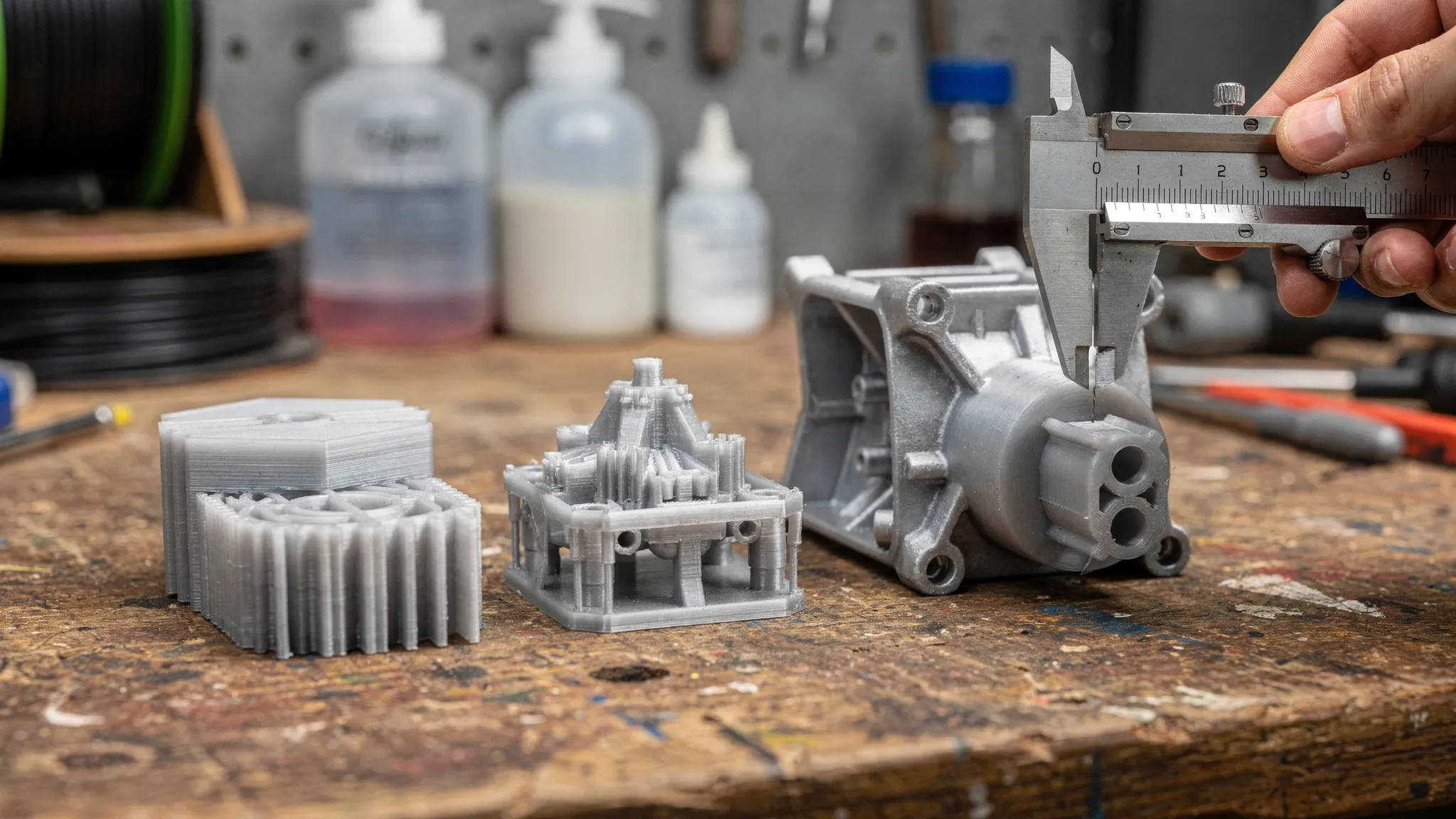
For ready-made products, check whether the listing explains who designed the model and whether the seller is authorized to print it. Firecloud Printz offers designer-authorized prints through its shop and is an authorized Hive seller, which is a meaningful quality signal for buyers who care about supporting legitimate creators as well as receiving a reliable finished print.
Ask how the file is reviewed before printing
A beautiful 3D model is not always a printable 3D model. Thin walls, non-manifold geometry, unsupported details, wrong units, and unrealistic tolerances can all turn into failed prints or disappointing results.
A quality-focused print service should be willing to review the basics before production. That does not mean every order needs a full engineering analysis, but there should be some level of manufacturability check, especially for custom projects. If a provider accepts any file instantly without asking about scale, use, material, or finish, you may not know there is a problem until after the print is complete.
For custom work, send more than just the file when possible. Include the intended use, approximate dimensions, preferred color, quantity, finish expectations, and any areas where fit matters. If the part needs to hold weight, snap together, slide over another object, or survive outdoors, say so before the quote is finalized.
A strong file review can also save money. Sometimes a small design change, such as thickening a wall, splitting a large part, adding a fillet, or changing orientation, can reduce support material, improve strength, and prevent reprints.
Evaluate material recommendations, not just material names
Many buyers ask for a material by name because they have heard it is “strong” or “high detail.” In practice, every material has trade-offs. A good provider should help you choose based on the part’s purpose, not just a trendy label.
PLA can be excellent for decorative objects, prototypes, and many indoor items, but it is not ideal for high heat. PETG can be a better fit for tougher utility parts. Resin can capture fine detail, but it may not be the best choice for every load-bearing part. Flexible materials can work well for grips, bumpers, and soft-touch items, but they require different design expectations.
| Project need | Material qualities to ask about | Quality clue before ordering |
|---|---|---|
| Display model | Detail, surface finish, paintability | Provider shows close-up examples and explains support cleanup |
| Replacement part | Toughness, layer orientation, dimensional fit | Provider asks where the part will be used and how it fails |
| Outdoor item | UV, moisture, and temperature resistance | Provider does not recommend basic indoor materials by default |
| Flexible component | Shore feel, bend radius, durability | Provider explains flexibility limits and geometry concerns |
| Prototype | Speed, cost, iteration potential | Provider suggests a practical first version before final production |
Be cautious if a shop promises that one material is perfect for everything. High quality 3D printing usually comes from making informed trade-offs, not from forcing every design through the same process.
Read the quote like a quality document
A quote is more than a price. It is a preview of how carefully your project will be handled.
A vague quote may leave out the material, color, quantity, finish level, delivery assumptions, or whether support removal is included. That creates room for misunderstanding. A stronger quote gives enough detail for both sides to agree on what is being made.
For simple shop items, the product page should make expectations clear. For custom orders, the estimate should reflect the file, size, material, complexity, and any post-processing. Firecloud Printz supports quick order estimates, which is useful when you want early guidance without guessing what a project might require.
If you are ordering prints for a product launch, event, or ecommerce test, think beyond the print itself. Your physical product, photos, emails, ads, and launch messaging should all match the same quality standard. For ecommerce teams that need to move quickly after prototypes or small batches are ready, an AI marketing workflow for ecommerce brands can help turn approved positioning into campaign assets while you focus on product quality and fulfillment.
Watch how the provider communicates
Communication is one of the most underrated signs of print quality. A skilled print provider does not need to overwhelm you with jargon, but they should be able to explain key decisions in plain language.
Good communication often looks like a few targeted questions: What will the part be used for? Does it need to fit with anything else? Is appearance or strength more important? Do you need one piece or multiple copies? Is the file licensed for printing? These questions are not delays. They are quality control before production.
Customer support also matters after the order starts. If something is unclear, you want a provider that can clarify expectations, discuss options, and help prevent avoidable reprints. Secure payments, an online cart, and a clear ordering path also reduce friction, especially for customers who are new to ordering custom 3D prints.
Red flags that suggest lower quality
Not every low-cost provider is bad, and not every expensive quote guarantees excellence. Still, a few warning signs should make you pause before ordering.
- The seller only shows renders, not real finished prints.
- Product photos hide the underside, support areas, seams, or fine details.
- The provider cannot explain material differences in relation to your use case.
- There is no discussion of scale, tolerance, or fit for functional parts.
- Every custom order receives an instant price with no review of complexity.
- The seller offers licensed or designer-style products with no mention of authorization.
- The quote is unclear about finish, color, quantity, delivery, or post-processing.
- The provider promises “perfect” results without explaining process limits.
The biggest red flag is not imperfection. Every manufacturing process has limits. The real concern is when a provider refuses to discuss those limits before taking the order.
Use this pre-order quality checklist
Before you submit a custom print or buy a ready-made item, take a few minutes to review the order from both sides: what you are providing and what the seller is promising.
- Confirm the part’s purpose, such as display, prototype, repair, gift, or small-batch product.
- Check that the listing or quote identifies the material, color, quantity, and finish expectations.
- Look for real print photos, close-ups, and examples that match your type of project.
- For custom parts, provide dimensions, units, and any important fit requirements.
- Ask whether the file will be reviewed for printability before production.
- Clarify whether support removal, cleanup, sanding, painting, or assembly is included.
- If ordering designer models, confirm that the seller is authorized to print them.
- For functional parts, explain the environment, load, heat, moisture, or movement involved.
- Compare quotes based on scope and communication, not price alone.
This checklist is especially helpful if you are new to 3D printing because it turns a vague request into a clear project. Clear projects are easier to quote, easier to print, and easier to inspect.
What a quality-focused 3D printing partner should provide
The right partner makes ordering easier without pretending that every project is identical. For some buyers, that means browsing ready-made designer products and checking out online. For others, it means sending a custom file and getting guidance on material, scale, and finish.
Firecloud Printz focuses on custom 3D printing, high-detail prints, ready-made designer products, multiple material options, and customer support for buyers who want a smoother path from idea to finished object. The goal is not just to print a file, but to help turn digital designs into tangible products with the right balance of detail, efficiency, and practicality.
Sustainable production is part of that quality mindset as well. In 3D printing, waste often comes from failed prints, poor planning, unnecessary supports, and avoidable reprints. A careful review process, appropriate material choice, and clear expectations can reduce waste while improving the final result.
Frequently Asked Questions
How can I tell if a 3D print will be high quality before I order? Look for real sample photos, clear material information, detailed quotes, printability review, and communication about your part’s purpose. A quality provider should explain trade-offs before printing.
Are layer lines a sign of poor 3D printing? Not always. FDM prints naturally show layer lines, but they should be consistent and appropriate for the project. Uneven lines, shifting, gaps, warping, or rough support scars may indicate lower quality or poor settings.
What should I send with a custom 3D print request? Send the 3D file if you have one, plus dimensions, intended use, preferred material or color, quantity, finish expectations, and any fit or strength requirements. The more context you provide, the better the estimate.
Is resin always better than FDM for high quality 3D printing? No. Resin is often excellent for fine detail and smooth surfaces, while FDM can be a better choice for larger, tougher, or more economical parts. The best process depends on the use case.
Why do quotes vary so much between 3D printing services? Quotes can vary because of material, print time, machine type, support complexity, post-processing, quality checks, and communication time. The cheapest quote may not include the same level of review or finishing.
Ready to order with more confidence?
If you want a print that looks good, fits the job, and starts with clear expectations, work with a provider that treats quality as part of the entire ordering process. Firecloud Printz offers custom 3D printing, ready-made designer-authorized products, quick estimates, multiple material options, secure online ordering, and support to help bring your ideas to life.
Start with your file, your idea, or a product from the shop, and make your next 3D print a smarter order from the beginning.
