
How to Print 3D Files Without Costly Mistakes
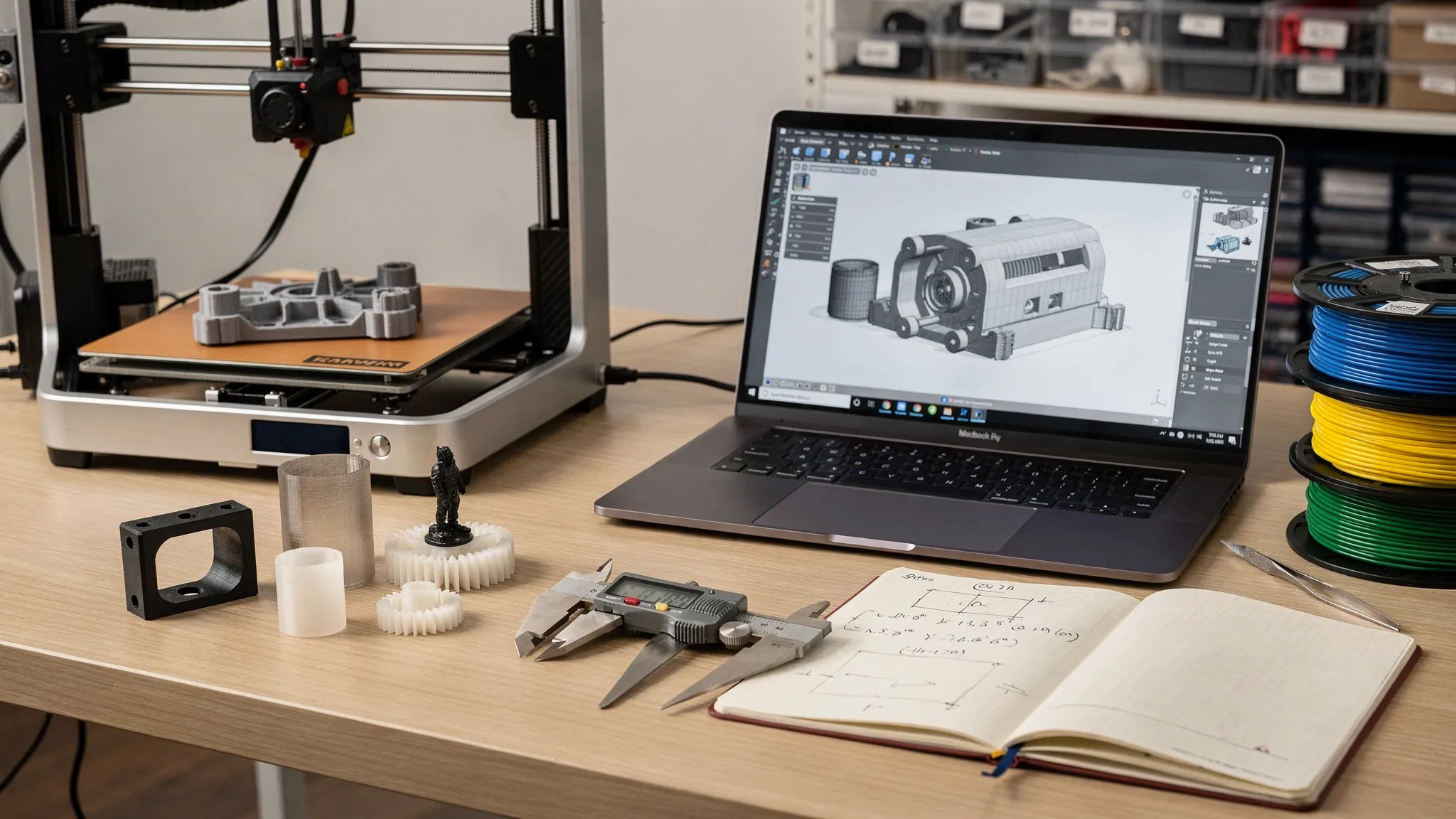
Uploading a model can feel like the final step, but it is often where the expensive mistakes begin. A file that looks perfect on screen can print too small, crack under light use, fuse moving parts together, require excessive supports, or arrive with a finish that does not match your expectations.
If you want to print 3D files without wasting money, the best move is not to rush the upload. It is to check the file, define the part’s job, and communicate the details that a printer or print service cannot guess from geometry alone.
This guide walks through the practical decisions that prevent reprints, surprise costs, weak parts, and disappointing results.
Why 3D printing mistakes get expensive so quickly
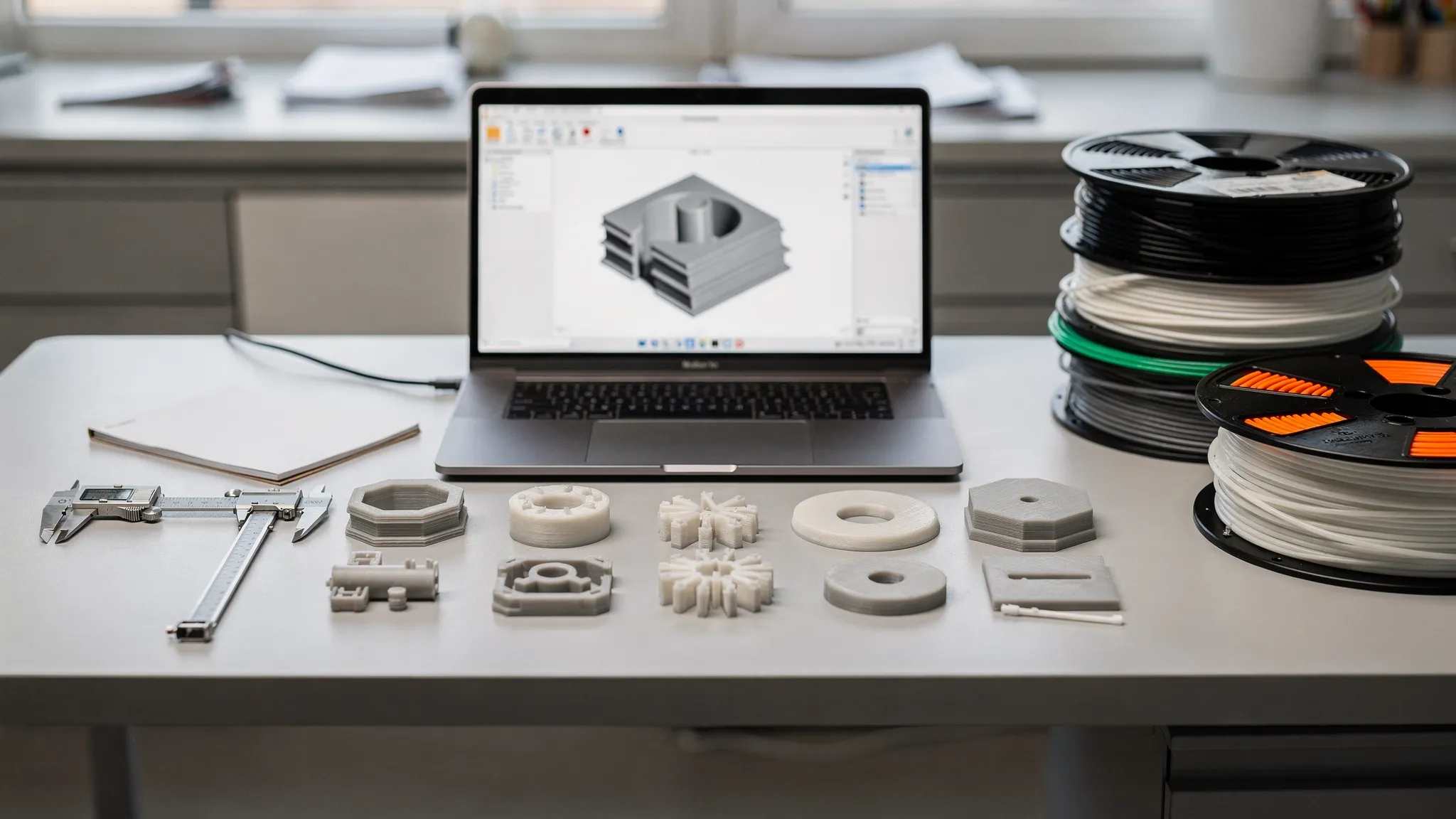
The cost of a failed print is not just the material. It can include machine time, setup time, post-processing, shipping delays, lost design time, and the frustration of starting over. On larger or highly detailed models, one small issue can turn into hours of wasted production.
Many mistakes happen because the file is treated as the full instruction set. In reality, a 3D file usually answers only one question: what is the shape? It may not explain what the part is for, which surface matters most, how strong it needs to be, what material is appropriate, or whether it must fit another object.
| Costly mistake | What it can cause | How to prevent it |
|---|---|---|
| Wrong scale or units | A part that is tiny, oversized, or unusable | Confirm dimensions before ordering |
| Thin walls | Cracking, holes, failed prints, fragile details | Check minimum wall thickness for the process |
| Poor material choice | Warping, softening, brittleness, poor outdoor performance | Match material to heat, stress, flex, and environment |
| No tolerance planning | Parts that do not fit, slide, snap, or assemble | Add clearance and test critical fits |
| Excessive supports | Higher cost, scars, rough surfaces, longer cleanup | Adjust orientation or redesign overhangs |
| Unclear finish expectations | Visible layer lines or support marks where you expected smoothness | Identify cosmetic surfaces and post-processing needs |
| Unlicensed model use | Order delays or legal problems | Verify you have permission to print the file |
The good news is that most of these problems are avoidable before the file ever reaches a printer.
Start with the outcome, not the file
Before you print, describe what success looks like. A decorative shelf piece, a tabletop miniature, a replacement bracket, and a product prototype all need different decisions. The same file could be printed in different orientations, materials, and settings depending on the goal.
This is similar to how good coaching starts with the person’s goals before choosing the plan. For example, personalized fitness and nutrition coaching works because the program is shaped around the individual’s needs, constraints, and desired results. 3D printing works the same way: the better the requirements, the better the output.
Before sending your file, answer these questions in plain language:
- What will the part do: display, fit, hold, protect, move, or support weight?
- Will it be used indoors, outdoors, near heat, around water, or under repeated stress?
- Which surfaces need to look cleanest?
- Does it need to fit another object, screw, magnet, cable, peg, or enclosure?
- Is this a one-off prototype, a gift, a display piece, or a repeatable batch?
- Are there any dimensions that cannot change?
A print partner can make better choices when they know the purpose. Without that context, they may choose settings that are technically printable but wrong for the part’s real-world use.
Use the right file type for the job
When people talk about how to print 3D files, they often focus on STL files. STL is common, but it is not always the best format. Some formats carry more information, such as color, units, assemblies, or CAD data that can help with review and adjustment.
| File type | Best for | Watch out for |
|---|---|---|
| STL | Simple single-material prints and common model sharing | Does not store color, units, or material settings reliably |
| 3MF | Modern slicing workflows, scale information, multi-part jobs | Not every older tool handles it equally well |
| OBJ | Models with texture or color references | Missing texture files can cause confusion |
| STEP or STP | CAD parts, mechanical designs, editable geometry | Usually needs conversion for slicing |
| ZIP folder | Assemblies with multiple files, textures, notes, or references | Label files clearly so nothing is missed |
If you only have one file, send that. If you have options, include the most useful export plus any original CAD file you are allowed to share. A STEP file can be helpful for mechanical parts because it preserves design intent better than a mesh export.
For a deeper file-format breakdown, Firecloud Printz has a related guide on 3D files, formats, quality checks, and common issues.
Confirm scale and units before anything else
Scale mistakes are some of the most common and avoidable failures. A file may be modeled in inches but interpreted in millimeters. A miniature may be designed for one scale but ordered at another. A replacement part may look right but be off by a few millimeters where it matters most.
Do not rely on the file name alone. Check the bounding box dimensions in your modeling software, slicer, or file viewer. If you are ordering from a service, include at least one known measurement in your notes, such as “overall height should be 120 mm” or “center-to-center hole spacing must be 40 mm.”
For functional parts, measure the real-world object with calipers when possible. A ruler is fine for rough decorative sizing, but calipers are much better for holes, slots, pegs, lids, and mating surfaces.
Run a printability preflight check
A model can look solid on screen while still being difficult or impossible to print. Preflight checks help catch those problems early. You do not need to be an engineer to spot many of them.
The most important checks are scale, watertight geometry, wall thickness, overhangs, clearances, and surface detail. If you are using a slicer, preview the layers rather than only looking at the 3D model. The layer preview often reveals missing walls, hollow sections, unsupported islands, or features that disappear because they are too thin.
Use this quick preflight list before you upload:
- Confirm the model’s real-world dimensions and units.
- Check that the mesh is watertight and does not have open holes.
- Look for non-manifold edges, flipped normals, or intersecting shells.
- Verify that thin details are thick enough for the printing process.
- Make sure moving or mating parts have clearance.
- Identify steep overhangs that may need supports.
- Reduce unnecessary mesh complexity if the file is extremely large.
- Add drain or escape holes for hollow resin-style prints when needed.
Automatic repair tools can fix simple mesh problems, but they can also change geometry in ways you do not expect. If the part is functional, review the repaired file carefully before ordering.
For more preparation steps, see Firecloud Printz’s guide on how to prepare 3D files for 3D printing.
Choose material based on how the part can fail
A costly material mistake usually happens when the choice is based only on appearance or price. The better question is: how could this part fail?
A display model might only need sharp detail and a nice finish. A bracket may need stiffness and layer strength. A clip may need flex. An outdoor part may need better temperature and UV resistance. A part near electronics may need heat resistance or dimensional stability.
| Part goal | Priority | Material notes to discuss |
|---|---|---|
| Decorative model | Detail, finish, color | Ask about surface quality, support marks, and painting options |
| Prototype enclosure | Fit, stability, iteration speed | Confirm wall thickness, screw bosses, and hole sizing |
| Outdoor item | Weather and heat resistance | Avoid materials that soften easily in sun or heat |
| Flexible grip or bumper | Elasticity and durability | Ask whether a flexible material is suitable for the geometry |
| Miniature or collectible | Fine detail and clean features | Discuss layer visibility, supports, and fragile points |
| Functional replacement part | Strength and repeatability | Share load direction, environment, and fit requirements |
No material is perfect for every job. Stronger materials may cost more, require different print settings, or show different surface texture. High-detail processes may produce beautiful features but may not be the best choice for impact or heat. The right answer depends on use case, not just the file.
Firecloud Printz offers custom 3D printing with multiple material options, so it helps to describe the part’s environment and performance needs when requesting an estimate.
Plan tolerances before you print parts that fit together
On a screen, two objects can fit perfectly because digital geometry has no friction, layer lines, material shrinkage, or printer variation. In the real world, parts need clearance.
This matters for lids, hinges, clips, holes, pegs, sliding channels, threaded inserts, magnets, dowels, and multi-piece assemblies. If the model was not designed with printing tolerances in mind, a “perfect” digital fit may become a fused or unusable physical fit.
As a rule, press-fit features need more testing than decorative features. If a dimension is critical, consider printing a small test coupon before committing to the full part. For example, a small block with several hole sizes can confirm which one fits your screw or peg best. This is much cheaper than reprinting a large enclosure because every hole is slightly too tight.
Also remember that post-processing changes dimensions. Sanding, primer, paint, resin curing, inserts, and coatings can all affect fit. If a part will be painted, assembled, or finished, say so before printing.
Think through orientation and supports
Orientation is one of the biggest hidden decisions in 3D printing. It affects strength, surface finish, support placement, print time, and risk of failure.
For many processes, parts are weaker between layers than along the path of the printed material. If a bracket is printed in the wrong orientation, it may snap where the layer lines separate. If a cosmetic face is placed against supports, it may need extra cleanup or show marks. If a tall thin part is printed upright, it may be more likely to wobble or fail.
A good orientation balances several trade-offs:
- Strength in the direction of real-world load.
- Clean surfaces on the most visible faces.
- Fewer supports on detailed or cosmetic areas.
- Stable contact with the build surface.
- Reasonable print time and material use.
This is where experienced review matters. Even if your file is technically printable, a small orientation change can improve the final part dramatically.
Understand what drives price before you request a quote
A 3D print quote is usually affected by more than the size of the model. Larger parts typically cost more, but so can dense parts, high-detail settings, support-heavy geometry, difficult materials, and labor-intensive finishing.
| Price driver | Why it matters | Cost-saving approach |
|---|---|---|
| Overall size | Uses more material and machine space | Scale only as large as needed |
| Print time | Long jobs occupy the machine longer | Simplify hidden details and avoid unnecessary height |
| Supports | Add material, time, and cleanup | Redesign overhangs or split the model when practical |
| Infill and wall settings | Affect strength, weight, and time | Use walls and ribs strategically instead of max infill |
| Post-processing | Sanding, cleanup, painting, or assembly adds labor | Specify only the finish level the project needs |
| Quantity | Batches may need consistency checks and setup planning | Share exact quantity and whether parts must match closely |
The cheapest print is not always the lowest quote. A low-cost print that fails, cracks, or looks wrong is more expensive than doing it correctly the first time. Focus on value: the right material, right process, and right finish for the job.
Avoid over-detailing where it does not matter
High detail is one of the best reasons to use 3D printing, but unnecessary detail can create problems. Tiny embossing, ultra-thin textures, fine spikes, and overly dense meshes can increase print difficulty without improving the finished part.
If a feature is smaller than the process can reliably reproduce, it may blur, break, or disappear. If the model has millions of triangles but no visible benefit, it may be harder to inspect, repair, upload, or slice. For functional parts, clean geometry often beats decorative complexity.
This does not mean your design should be plain. It means detail should be intentional. Put detail where it will be seen and supported. Simplify hidden interior geometry. Thicken fragile features. Avoid long unsupported whiskers, tiny pins, or sharp decorative tips unless the process and material can handle them.
Protect licensing and usage rights
Not every downloadable model is free to print for every purpose. Some files are for personal use only. Some allow modification but not resale. Some allow printing but not commercial distribution. Some models are copied from designers without permission, even if they appear on a marketplace.
Before ordering, check the license and keep a copy of the model page, receipt, or permission notes. This is especially important if you are printing items for a business, event, storefront, or resale.
Firecloud Printz supports ready-made designer products and is an authorized Hive seller, which helps customers shop for approved prints without guessing whether a model is legitimate. If you are submitting your own file, make sure you have the right to print it.
Send clear notes with your order
A clean file plus clear notes is the best combination. Your print partner should not have to guess what matters most.
You can copy this simple order-note template:
Project name:
File name:
Final size or key dimension:
Purpose of the part:
Indoor or outdoor use:
Strength, flexibility, or detail priority:
Critical fit areas:
Preferred color or finish:
Quantity:
Deadline or timing needs:
License or permission notes:
Anything that must not change:
This does not need to be long. Even a few sentences can prevent the most common assumptions. For example, “This is a desk display piece, so the front face should look cleanest” gives very different guidance than “This bracket will hold a small sensor outdoors.”
Know when to print at home and when to use a service
Printing at home is great for learning, experimenting, and making simple parts quickly. A service is often better when the part needs higher detail, a material you do not keep on hand, reliable finish, batch consistency, or experienced file review.
| Situation | Home printing may work | A service may be better |
|---|---|---|
| Simple prototype | Yes, especially for quick iteration | If dimensions or finish matter immediately |
| Gift or display piece | Sometimes | Yes, if detail and presentation are important |
| Functional replacement | Sometimes | Yes, if material choice and strength are critical |
| Large part | Depends on printer size | Yes, if splitting or production planning is needed |
| Small batch | Possible but time-consuming | Yes, for consistency and efficiency |
| Licensed designer print | Only if license allows | Yes, when buying authorized ready-made items |
If you are unsure, request an estimate before committing. A quick review can identify whether the file is ready, whether it needs small adjustments, and what material or process makes sense.
Final checklist before you print 3D files
Before placing the order, slow down for one last review. This is the point where small checks can save the most money.
Make sure the model is the right size, the walls are printable, and all critical features are thick enough. Confirm that moving parts have clearance and that any mating dimensions are clearly called out. Decide whether strength, detail, surface finish, or speed matters most. Share the part’s purpose, not just the file. Verify licensing if the model came from a designer or marketplace.
If the part is expensive, large, or functionally critical, prototype first. A smaller test print, fit coupon, or single sample can prevent a full reprint later.
Frequently Asked Questions
What is the biggest mistake people make when they print 3D files? The biggest mistake is assuming that a file that looks good on screen is automatically print-ready. Scale, wall thickness, tolerances, material choice, and orientation all affect the finished part.
Can I send only an STL file for printing? Yes, STL files are commonly accepted for 3D printing. However, if you have a 3MF, STEP, or original CAD file, it may help with scale, review, or mechanical accuracy.
How do I know if my 3D file is printable? Open it in a slicer or 3D file checker and inspect scale, holes, wall thickness, unsupported features, and layer preview. If you are unsure, ask a print service to review the file before production.
Why did my printed part not fit even though the model was accurate? Digital models do not account for real-world manufacturing variation unless tolerances are designed in. Parts that slide, snap, screw, or press together need clearance and may require test prints.
Is the cheapest material the best choice for a prototype? Not always. A low-cost material may be fine for visual checks, but it may give misleading results if you need to test heat resistance, flexibility, strength, or outdoor use.
Should I prototype before ordering a final print? Yes, if the part is large, costly, functional, or must fit another object. A small test print can catch sizing and tolerance issues before you pay for the final version.
Ready to print with fewer surprises?
Firecloud Printz helps turn digital designs into high-quality physical prints, whether you need a custom order, a high-detail part, or a designer-authorized ready-made print. If you want to reduce reprints, material waste, and guesswork, start with a clear file and a clear goal.
When you are ready, visit Firecloud Printz to request an estimate, explore available products, or get help turning your idea into a finished 3D print.
