
3D Print Designers: How to Find Legit, Licensed Models
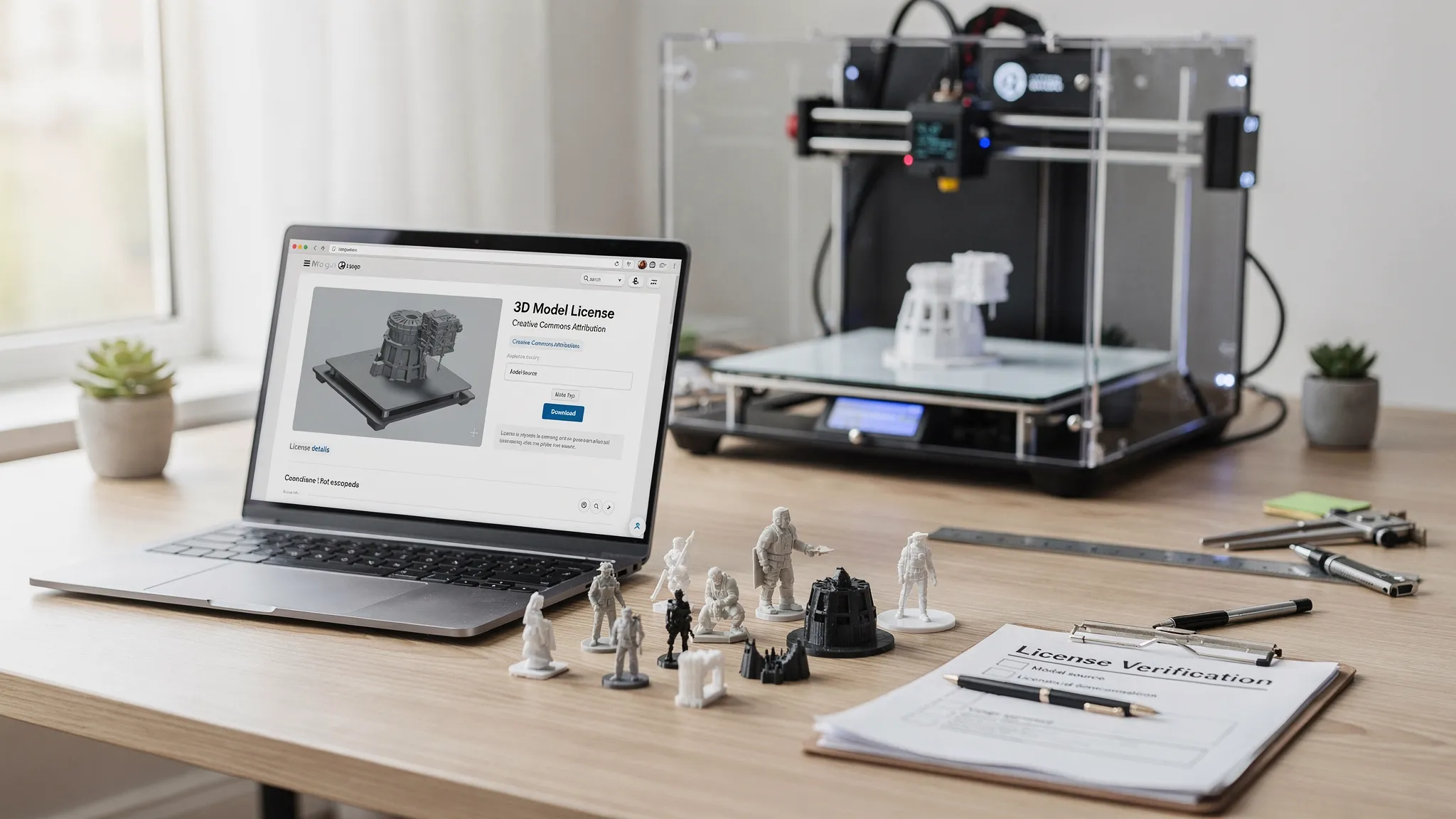
Finding a great 3D model is easy. Finding one you are actually allowed to print, modify, display, gift, or sell takes a little more care.
That matters whether you are ordering a single display piece, stocking up on tabletop terrain, prototyping a product, or launching a small online shop. Many files online are shared by talented 3D print designers under specific terms. Some are free for personal use only. Some require attribution. Some allow commercial printing only if you buy a separate seller license. Others are stolen reuploads that should be avoided entirely.
This guide walks you through how to find legit, licensed models, how to read common license language, and what proof to keep before you send a file to a 3D printing service.
Why licensing matters in 3D printing
A 3D model file is not just a technical file. In many cases, it is also someone’s creative work. The designer may have spent hours sculpting a character miniature, engineering a clever functional part, or preparing a model so it prints cleanly. A license tells you what the designer allows you to do with that file.
Licensing also protects you. If you print a model without permission, you could run into takedown requests, marketplace bans, customer disputes, or legal issues, especially if you sell the physical prints. The U.S. Copyright Office explains that copyright protects original works of authorship, and many 3D models can include copyrightable creative elements. Trademarks, patents, and design rights may also apply depending on the item.
For most hobbyists, the goal is simple: respect the designer, avoid stolen files, and make sure the model can be printed for the way you plan to use it. For businesses, licensing becomes part of risk management, along with product safety, branding, documentation, and quality control.
Understand the license before you print
The biggest mistake people make is assuming “downloadable” means “free to use however I want.” It does not. Before choosing a model, look for the license terms on the original listing, designer website, shop page, or subscription page.
Here are common license types and what they usually mean.
| License or permission type | What it often allows | What to check carefully |
|---|---|---|
| Personal use only | Printing for yourself, a gift, or private display | Usually does not allow selling prints or using the model in paid work |
| Non-commercial license | Use without direct commercial gain | Selling prints, using the model in ads, or bundling it with paid products is usually not allowed |
| Commercial license | Some form of paid use | Whether it covers selling physical prints, digital files, or both |
| Physical-print seller license | Selling printed copies of the model | Sales limits, attribution rules, marketplace restrictions, and subscription requirements |
| Creative Commons Attribution | Use and sharing with credit | Whether commercial use and modifications are allowed under the exact CC version |
| Creative Commons NonCommercial | Personal or non-commercial use with conditions | Commercial printing is usually not permitted |
| No derivatives | Use the original without modification | Remixes, resizing with changes, kitbashing, or adding logos may be restricted |
| Public domain or CC0 | Broad use with few restrictions | Confirm the uploader is the original creator or has authority to release it |
| Custom commission terms | Use defined in your agreement with the designer | Ownership, exclusivity, reproduction rights, and resale rights should be written down |
Creative Commons licenses are common in maker communities, but each version is different. If you see “CC BY,” “CC BY-NC,” or “CC BY-SA,” read the exact terms through the Creative Commons license chooser and explanations rather than guessing.
Where to find legit 3D print designers
There are many good places to discover 3D print designers. The safest path is to start from official sources, then verify that the model listing is actually connected to the creator.
Designer storefronts and official websites
Many designers sell or distribute models through their own websites, portfolio pages, or official storefronts. This is often the clearest source because the licensing terms are set by the creator directly. Look for a license page, terms of use, FAQ, or commercial-use section.
If a designer has multiple accounts, check that the shop links match their official social profiles. A real designer usually has consistent branding, a portfolio history, and links that point back to the same trusted locations.
Curated marketplaces and model repositories
Large 3D model platforms can be useful, especially when they display license terms on each listing. Repositories such as Printables and Thingiverse include license labels on many files, while paid marketplaces often provide purchase records and seller profiles.
Still, marketplaces are not perfect. User-uploaded models can be miscategorized, copied, or uploaded without permission. Treat the license label as a starting point, then look at the designer’s profile, comments, linked social accounts, and upload history.
Subscription communities and monthly model clubs
Many 3D print designers sell through subscription communities, especially in tabletop gaming, miniatures, cosplay, and collectibles. These can be excellent sources for licensed models because the creator often explains exactly what members can print.
The key question is whether the subscription includes only personal-use files or also a merchant tier. If you plan to sell physical prints, you usually need the merchant or commercial tier, and you may need to remain subscribed while selling those items.
Designer-authorized shops
A curated shop can save time because the print provider has selected models that are authorized for sale. Firecloud Printz, for example, offers ready-made designer products and focuses on designer-authorized prints alongside custom 3D printing. If you want a finished item without sorting through file licenses yourself, starting with an authorized shop is often the simplest option.
How to verify a licensed model before ordering
A quick verification process can prevent most licensing problems. You do not need to become an intellectual property lawyer, but you should collect enough information to show that you acted responsibly.
Start with the original listing, not a repost from a random file-sharing site. Check the designer name, the upload date, the model description, and the license terms. If the file appears on multiple sites, compare which listing looks older and which one is linked from the designer’s official profile.
Next, save proof. Take a screenshot of the license terms, keep your receipt, bookmark the listing, and save any permission messages from the designer. If you are paying for a commercial license, keep the invoice and note the date, account name, and model title.
Finally, check whether your planned use matches the license. Printing a dragon miniature for your shelf is different from selling fifty copies at a convention. Printing a prototype for internal testing is different from using a downloaded enclosure design as part of a commercial product. The use case matters.
If you are not sure, ask the designer. A short, polite message can save a lot of trouble: “I would like to print this model through a professional print service for personal display. Is that allowed under your license?” For commercial use, be more specific about where and how you plan to sell.
Red flags that a 3D model may not be legit
Some questionable listings are obvious. Others look professional at first glance. Be cautious if you notice these warning signs:
- The model is a popular paid design being offered for free by an unrelated account.
- The listing uses screenshots or renders with different watermarks.
- The uploader has many unrelated models in different styles with no clear portfolio.
- The description says “not mine” or “found online” without permission details.
- The license is missing, vague, or contradicts the designer’s official website.
- The file includes a famous brand, character, logo, or product design with no authorization.
- Comments mention that the model was stolen, reuploaded, or removed elsewhere.
A low price is not automatically suspicious, and a high price is not automatically legitimate. The better question is whether the seller has the right to offer the file and whether the license covers your intended use.
Personal use vs commercial use: the line that matters most
Most licensing confusion comes from the difference between personal and commercial use.
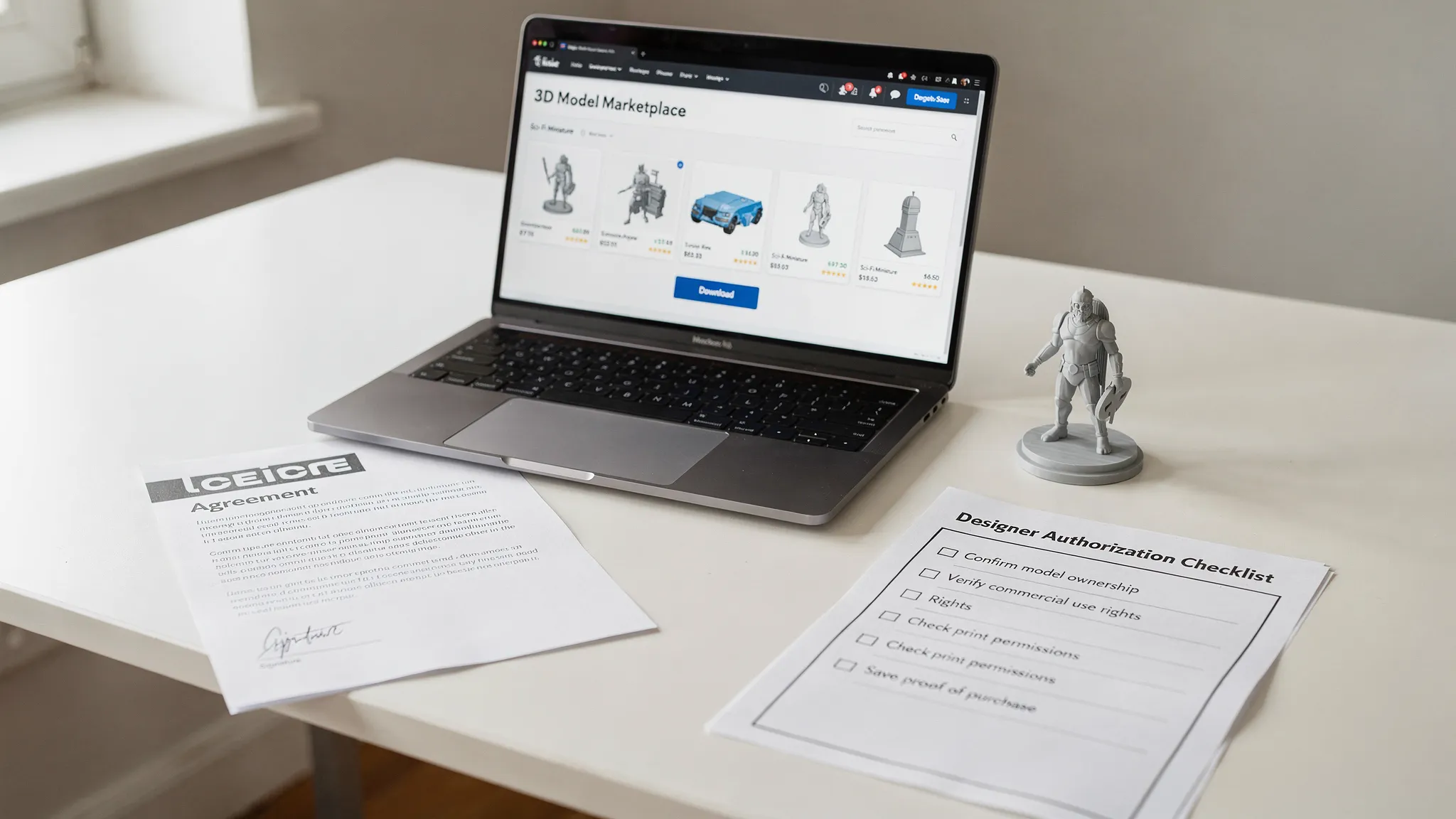
Personal use generally means you are printing for yourself, your household, or a private gift. You are not using the model to make money, promote a business, or produce inventory. Even then, you should follow the license, especially if it requires attribution or forbids modifications.
Commercial use means the model helps you earn money or promote something that earns money. Selling printed copies is the clearest example. Other commercial uses can include printing products for clients, using the model in marketing photos, including it in a paid kit, or using a file as part of a product you sell.
If you want to sell printed models, look for terms that specifically mention physical print sales. A generic “commercial use” license may or may not include that right. Some designers allow unlimited physical sales. Others set monthly limits, require active subscription status, restrict certain marketplaces, or require credit in each product listing.
For cross-border selling, licensing is only one piece of the compliance puzzle. If a 3D printed product line is part of a broader international business or investment plan, it can be worth getting market-specific guidance. For example, Australians exploring UAE opportunities can work with Dubai business setup and investment specialists while also consulting appropriate IP, tax, and product compliance professionals for their own situation.
Be careful with fan art, logos, and branded designs
Fan-made models are common in 3D printing communities, but they can be legally complicated. A designer may have sculpted the file themselves, but that does not always mean they own the underlying character, logo, vehicle, prop, or brand identity.
For personal hobby printing, many people print fan art, cosplay accessories, and decorative pieces. For commercial sales, the risk is much higher. Selling prints of recognizable characters, sports logos, movie props, game assets, or branded products can trigger trademark or copyright issues even if the model file was purchased from a third-party designer.
The safest commercial path is to sell original designs, properly licensed designs, or models tied to clear authorization from the rights holder. If a listing says “inspired by” a famous franchise, that is not the same as official permission.
What to send your 3D printing service
A professional print shop needs more than just the STL or 3MF file. The clearer your information, the easier it is to estimate the job, flag risks, and produce the result you expect.
When requesting a custom print, include the file, the intended use, the desired size, material preferences, finish expectations, and any assembly requirements. If the model was designed by someone else, include the source link and license information. If you purchased a file, include proof of purchase if relevant. If you have written permission from the designer, include that too.
This is especially important if you are ordering multiple copies, printing for a client, or planning to resell the finished item. A reputable shop will appreciate clear documentation because it protects everyone involved: you, the designer, and the print provider.
If you are still choosing a file, Firecloud Printz has related guidance on how to choose a 3D model for 3D printer success and best practices for picking a 3D model for 3D printing. Those resources focus more on printability, while this guide focuses on legitimacy and licensing.
A practical workflow for finding licensed models
Use this simple workflow before downloading or ordering a print:
- Define the use: Decide whether the model is for personal display, a gift, a prototype, client work, or commercial sale.
- Find the original source: Start from the designer’s official page, marketplace profile, or linked storefront.
- Read the license: Look for personal use, commercial use, attribution, remixing, and physical-print sale terms.
- Check for red flags: Watch for stolen renders, missing credits, suspicious reuploads, and famous IP with no authorization.
- Save documentation: Keep screenshots, receipts, source links, and permission messages.
- Confirm printability: Make sure the file is suitable for the size, material, and finish you want.
- Send context with the file: When ordering from a print shop, include licensing details and intended use.
This workflow only takes a few minutes once you get used to it. It can also help you build a reliable library of trusted designers for future projects.
How licensing and printability work together
A model can be fully licensed and still difficult to print. It may have thin walls, unsupported overhangs, fragile details, unclear scale, or separate parts that need careful assembly. On the other hand, a technically excellent file is not useful if you do not have permission to print it.
The best models meet both standards: they come from legitimate 3D print designers and they are prepared for the printing process you plan to use. Resin may be better for tiny character details. FDM may be more practical for larger functional parts. Material, orientation, supports, and post-processing all affect the final result.
If you need help thinking through those production choices, Firecloud Printz also has a guide on supports, overhangs, and tolerances in 3D designs. Pairing licensing checks with printability checks is the most reliable way to avoid disappointment.
Frequently Asked Questions
Can I print any 3D model I find online? No. A model being available online does not automatically mean you have permission to print it. Check the license on the original listing and make sure your intended use is allowed.
Is a free 3D model legal to print? Often, yes, but only within the license terms. Many free models are allowed for personal use, while commercial use, redistribution, or remixes may be restricted.
Can I sell prints from a model I bought? Not always. Buying a digital file may only give you personal-use rights. To sell physical prints, look for a commercial or merchant license that specifically allows printed product sales.
Do I need to credit the 3D print designer? If the license requires attribution, yes. Even when attribution is not required, crediting the designer is a good practice when appropriate, especially in online listings or social posts.
Can I modify a licensed model? It depends on the license. Some designers allow remixes and modifications. Others prohibit derivative works or allow modifications only for personal use. Read the terms before editing or combining models.
Can Firecloud Printz print a model I downloaded from another designer? Firecloud Printz supports custom 3D printing, but you should provide the file, intended use, and any relevant license or permission information when requesting an estimate.
Bring licensed models to life with confidence
Legit models support the designers who make 3D printing more exciting, useful, and creative. They also give you a cleaner path from digital file to finished print, especially if you plan to gift, display, or sell the result.
If you want to skip the guesswork, explore Firecloud Printz for designer-authorized prints, ready-made products, and custom 3D printing support. Have a licensed file already? Share your model details and intended use to request a quick estimate and turn the design into a high-detail physical print.
