
3D Print From File: What You Need Before You Order
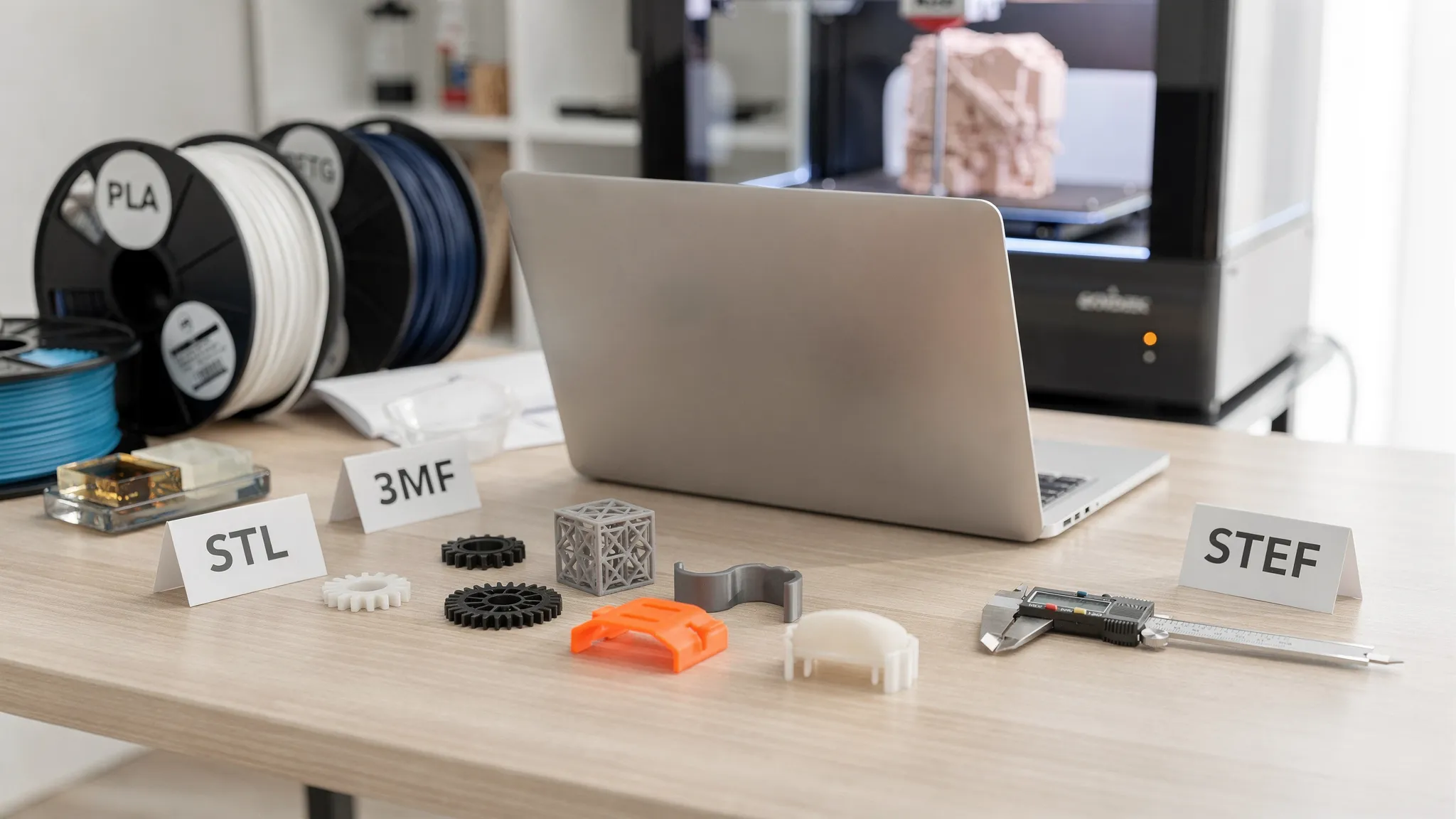
If you already have a 3D model, ordering a print can be simple. The catch is that a printable file is only one part of the order. To get the right result, the print shop also needs to understand scale, purpose, material needs, finish expectations, quantity, and any legal permissions tied to the design.
This guide walks through what to prepare before you ask Firecloud Printz, or any 3D printing service, to 3D print from file. Use it as a pre-order checklist so your estimate is faster, your print is cleaner, and your final part is closer to what you imagined.
What it means to 3D print from file
To 3D print from file means you provide a digital 3D model that can be converted into machine instructions for a printer. The shop checks the model, chooses a suitable print process and material, slices the model into layers, prints it, removes supports if needed, and completes any agreed finishing steps.
A common misunderstanding is that the file alone tells the whole story. It usually does not. A file may show the shape, but it may not explain whether the part needs to hold weight, fit with another object, survive heat, look smooth on a specific side, or be printed at a certain size.
That is why a strong order request includes both the file and the context around it.
The file types that work best for 3D printing
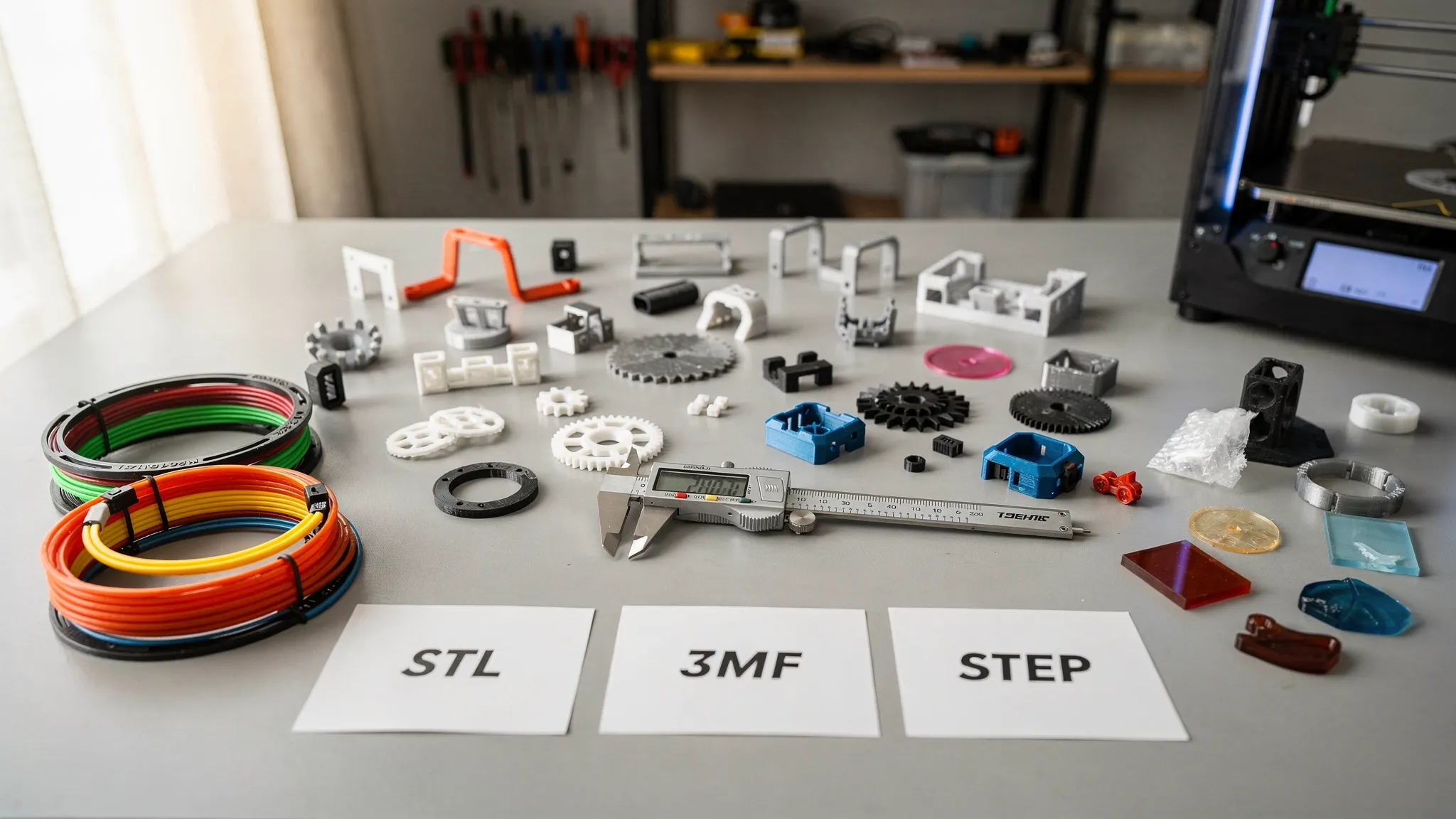
Most custom 3D printing orders start with a mesh or CAD file. If you have multiple versions, send the most complete one and clearly label which version is final.
| File type | Best for | What to know before ordering |
|---|---|---|
| STL | Most basic 3D printing jobs | Very common, but it usually does not store units, color, or material information |
| 3MF | Modern print-ready files | Can store units and more print information, which helps reduce setup confusion |
| OBJ | Sculpted models, characters, display pieces | May include color or texture files, so package all related files together |
| STEP or STP | Functional parts and engineering models | Better for editing dimensions or features before printing |
| ZIP folder | Multi-part projects | Useful when the order includes several models, textures, reference images, or notes |
If your file is not in one of these formats, you may still be able to use it, but it might need conversion. For example, a photo, logo, sketch, or PDF is not automatically a printable 3D model. It can be used as a reference for a custom design, but someone still needs to create or modify the 3D geometry.
For a deeper look at print-friendly model selection, Firecloud Printz also has a guide on best practices for picking a 3D model for 3D printing.
Confirm scale, units, and final dimensions
Scale problems are one of the easiest ways for an otherwise good file to become a bad order. STL files in particular often arrive without clear units. A model that was designed in inches can import as millimeters, or a miniature can appear too large because the file does not include the intended scale.
Before you order, write down the final size you want in plain language. Include at least one critical dimension, such as total height, total width, hole diameter, or the distance between mounting points.
A simple note works well: Print this bracket 120 mm wide, 45 mm tall, and 6 mm thick. The two screw holes should fit M4 screws.
If the exact size is flexible, say that too. Decorative prints may be easy to scale, while mechanical parts often need stricter dimensions.
Explain what the print will be used for
A display model, a cosplay prop, a tabletop miniature, a replacement knob, and a functional prototype all need different decisions. The same file might be printed one way for looks and another way for strength.
When you request a 3D print from file, describe the real use case. This helps the print shop recommend the right material, orientation, layer height, infill, and finishing approach.
| Use case | What to tell the print shop | Typical priorities |
|---|---|---|
| Display model | Which side will be most visible and whether it will be painted | Surface quality, detail, clean support removal |
| Functional prototype | How the part will be handled, mounted, or tested | Strength, fit, repeatability, material choice |
| Miniature or collectible | Desired scale and level of detail | Fine features, crisp edges, minimal cleanup marks |
| Outdoor part | Sun, moisture, or temperature exposure | Weather resistance, UV stability, durability |
| Flexible item | Whether it should bend, grip, or compress | Elasticity, wall thickness, material selection |
| Assembly part | What it must fit with | Tolerances, hole sizes, clearances, test fitting |
Common material families include PLA for general prototypes and display pieces, PETG for tougher practical parts, TPU for flexible components, resin for high-detail models, and outdoor-suitable materials for weather exposure. Availability can vary by shop and project, so the best approach is to explain the job the part must do instead of guessing based only on material names.
Check whether the model is actually printable
A model can look perfect on screen and still fail in a printer. Visual models used for games, animation, or rendering are not always built with physical manufacturing in mind.
Before placing your order, check for these common print-readiness issues:
- The model should be watertight, also called manifold, with no open holes in the mesh unless they are intentional.
- Walls and small details should be thick enough to survive printing and handling.
- Thin pins, swords, antennae, clips, and decorative spikes may need reinforcement.
- Large flat areas may need orientation planning to reduce warping or visible layer lines.
- Overhangs may require supports, which can affect the surface where they touch.
- Hollow resin-style models may need drainage holes if they are designed to be printed hollow.
- Multi-part models should have clear file names and assembly notes.
If you are not sure whether your file is print-ready, do not panic. Send the file with a note explaining your concern. A good printing partner can identify obvious risks before production, and Firecloud Printz focuses on helping customers turn digital designs into tangible, high-detail prints.
You can also review Firecloud Printz’s article on what makes 3D printing designs easy to print if you want to understand the design side more deeply.
Decide what finish you expect
Finish is not only about color. It includes surface texture, layer visibility, support marks, sanding, priming, painting, and the side of the part that should look best.
For many orders, a standard printed finish is completely fine. For gifts, display pieces, collectibles, props, or client-facing prototypes, you may want a cleaner surface or a specific orientation that keeps the best-looking side visible.
Tell the shop what matters most. For example, if a bracket will be hidden under a desk, strength and fit may matter more than appearance. If a figurine will sit on a shelf, facial detail and front-facing surface quality may matter more than the underside.
| Finish concern | Why it matters | What to specify |
|---|---|---|
| Visible layer lines | Some processes and settings show layers more than others | Whether smooth appearance or speed matters more |
| Support marks | Supported areas may need cleanup | Which surfaces should stay cleanest |
| Color | Material color may affect final look | Preferred color and acceptable alternatives |
| Painting | Paint-ready parts may need prep | Whether you want to paint it yourself or need advice |
| Sharp details | Tiny text or patterns may soften | Which features are critical |
This is especially important for designer collectibles and decorative pieces. A print that is technically successful may still disappoint if the most visible surface was not identified ahead of time.
Include tolerances and fit requirements
If your print must fit another object, include measurements. Do not rely on a phrase like make it fit if the mating part is not included or measured.
Useful details include hole sizes, screw type, shaft diameter, slot width, connector dimensions, and whether the fit should be loose, snug, sliding, or press-fit. If you have the mating part, mention whether you can provide measurements or reference photos.
3D printing can be accurate, but every process and material has limits. Small holes may print tighter than expected, long parts may vary slightly, and interlocking pieces often need clearance. When the fit is critical, consider ordering a small test piece first before committing to a larger batch.
Make sure you have the right to print the file
If you designed the model yourself, this is simple. If you downloaded, purchased, remixed, or found the model online, check the license before ordering.
Some designers allow personal printing only. Others allow commercial use, but only under specific conditions. Some files cannot be printed by a third-party service without permission. Saving a copy of the license, receipt, or designer permission can prevent confusion later.
Firecloud Printz offers ready-made designer products and is an Authorized Hive seller, which helps customers buy legitimate designer-authorized prints. If you bring your own file, the same principle applies: make sure the model is allowed to be printed for your intended use.
For more help on this topic, read Firecloud Printz’s guide to finding legit, licensed 3D print designers.
Prepare a clear order note
A good order note saves time because it reduces back-and-forth questions. It also gives the print shop the information needed to provide a more accurate estimate.
You can copy this template and adjust it for your project:
Project name:
File name and version:
Quantity:
Final dimensions or scale:
Purpose of the print:
Preferred material or performance needs:
Preferred color:
Finish expectations:
Most important visible surface:
Fit or tolerance requirements:
Deadline or event date:
Shipping or pickup needs:
License or permission notes:
Anything you are unsure about:
You do not need to know every technical answer. If you are unsure about material, finish, or orientation, say so. The goal is to give enough context for the shop to recommend the best path.
What affects price and turnaround time
When you request a quick estimate, the quote is not based only on the file name or outside dimensions. Several factors influence cost and lead time.
Large parts use more material and take longer to print. Dense parts, tall parts, high-detail settings, difficult support removal, and premium finishing can also increase production time. Multi-part jobs may require extra setup, labeling, and quality checks. A small simple bracket can be much faster to produce than a highly detailed character model with delicate features.
Quantity matters too. Printing one prototype is different from printing a batch of repeated parts. If you know you may need more later, mention that at the start. The print shop can help you think through repeatability, material consistency, and whether the file should be adjusted before production.
For business workflows, it also helps to organize part numbers, revisions, and approval notes. If your company is collecting print requests from multiple teams or trying to automate design intake, a specialist in custom web and AI platforms can help build internal tools that connect forms, approvals, and production data before files are sent for printing.
When to order custom printing instead of buying a ready-made item
A custom 3D print from file is ideal when you need a specific size, shape, function, personalization, or prototype. It is also useful when the part does not exist in a standard store or when you need a short-run item without expensive tooling.
Ready-made designer products are better when you want a finished, authorized design without managing the file yourself. Firecloud Printz supports both paths: customers can browse curated designer-authorized prints or request custom work from their own files.
If your file is close but not perfect, custom printing may still be the right path. Just be honest about what you know and what you need help with. A clear note can turn an uncertain file into a workable project.
A final pre-order checklist
Before you send your request, confirm the essentials:
- You have the latest version of the file.
- You know the desired size or at least one critical dimension.
- You can explain what the part is for.
- You have a preferred color, material need, or performance requirement.
- You know whether appearance, strength, detail, or speed matters most.
- You have checked licensing if the file came from someone else.
- You have included quantity and deadline information.
- You have mentioned any fit, tolerance, or assembly requirements.
If you can answer most of those points, your order is in good shape.
Frequently Asked Questions
Can I 3D print from any file? Not every digital file is directly printable. A 3D printing service usually needs a 3D model such as STL, 3MF, OBJ, or STEP. Images, PDFs, sketches, and logos can be used as references, but they usually need design work before printing.
What is the best file format for ordering a 3D print? STL is the most common, while 3MF is often better when available because it can store more print-related information. STEP files are helpful for functional parts that may need editing.
Do I need to choose the material before ordering? No, but you should explain how the part will be used. The shop can recommend material options based on strength, detail, flexibility, outdoor exposure, heat, or appearance.
How do I know if my model is printable? Check for correct scale, closed geometry, realistic wall thickness, and delicate features that may break. If you are unsure, send the file with notes and ask for a review before printing.
Can a print shop print a model I downloaded online? It depends on the license. Some files allow personal use, some allow commercial use, and some restrict third-party printing. Keep proof of permission when possible.
What should I do if the part must fit another object? Provide measurements, photos, screw sizes, hole diameters, and the type of fit you want. For critical fits, a small test print is often the smartest first step.
Ready to 3D print from file?
Firecloud Printz helps turn digital designs into high-quality custom 3D prints, with quick order estimates, multiple material options, secure checkout, customer support, and a curated shop of designer-authorized products.
If you already have a file, gather your dimensions, use case, quantity, and finish notes, then start your custom 3D printing request with Firecloud Printz. If you would rather choose a ready-made authorized design, you can also browse the shop and find a print that is already prepared for production.
